Convert PNG to JPG Free Online — Reduce File Size Instantly
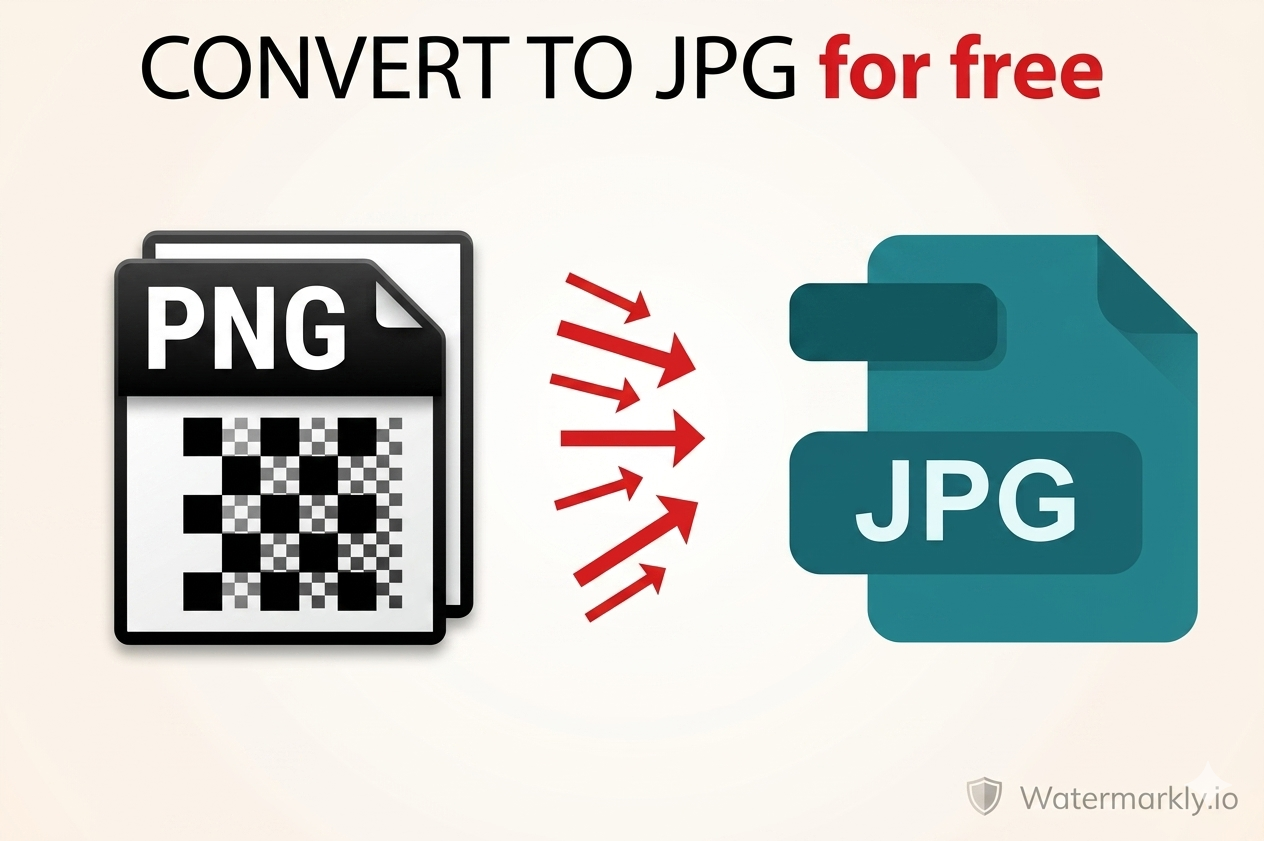
Need to shrink a large PNG file for email, WhatsApp, or social media? Converting PNG to JPG is the fastest way to dramatically reduce image file size — often by 50–70% — without any visible quality loss. This guide explains everything and shows you how to do it free in seconds using LynxAI Pro's free PNG to JPG converter.
Why Convert PNG to JPG?
PNG files are large because they store every pixel perfectly. That's great for editing, but not ideal for sharing. Here are the main reasons to convert PNG to JPG:
- Reduce file size for email — Email attachments have limits (usually 10–25MB). A PNG screenshot of 3MB becomes a 400KB JPG — easy to send.
- Faster website loading — JPG photos load faster than PNG on websites, improving page speed and SEO.
- Social media uploads — Instagram, Facebook, and Twitter compress large images automatically. Uploading a JPG gives you more control over quality.
- Storage savings — Converting a folder of PNG screenshots to JPG can free up gigabytes of space on your device.
- Compatibility — Some older software, printers, and devices handle JPG better than PNG.
PNG vs JPG: Which Is Better?
| Feature | PNG | JPG |
|---|---|---|
| File size | Large | Small |
| Transparency | ✅ Yes | ❌ No |
| Best for | Logos, editing | Photos, sharing |
| Quality loss on save | None | Slight |
| Email & sharing | Too large | ✅ Ideal |
How to Convert PNG to JPG Free Online
- Step 1: Go to lynxaipro.com/free-png-to-jpg-converter
- Step 2: Upload your PNG file — drag and drop or click to browse
- Step 3: Click Convert — instant processing on encrypted servers
- Step 4: Download your JPG — file is automatically deleted from the server
No account needed. No watermark. Works on any device — mobile, tablet, or desktop.
How Much File Size Does PNG to JPG Save?
| Image Type | PNG Size | JPG Size | Saved |
|---|---|---|---|
| Screenshot | 2.1 MB | 420 KB | 80% smaller |
| Product photo | 1.8 MB | 380 KB | 79% smaller |
| Banner image | 3.4 MB | 680 KB | 80% smaller |
Does PNG to JPG Lose Quality?
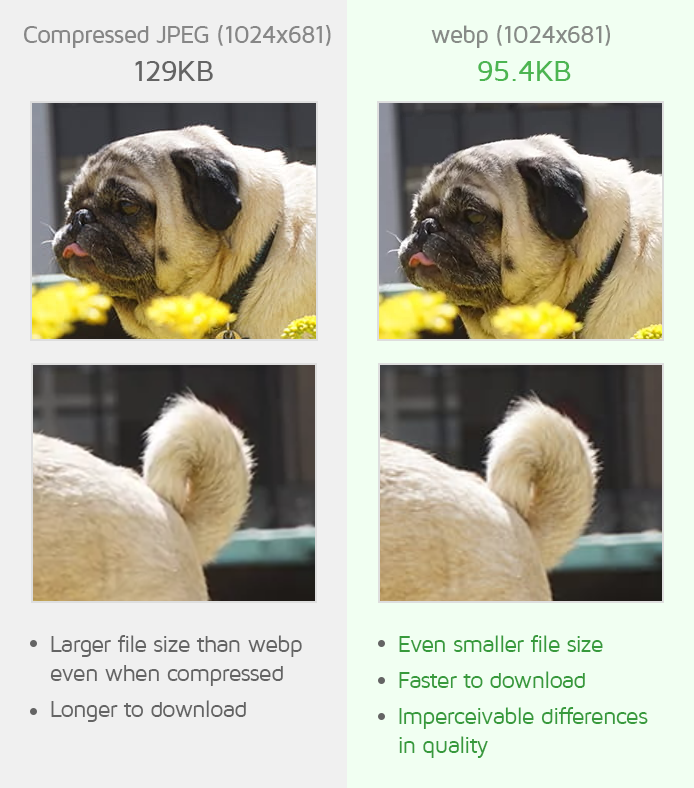
JPG uses lossy compression, so yes — there is some quality loss when converting PNG to JPG. However, at high quality settings (80–95%), the difference is invisible to the human eye in most photos. For graphics with sharp text or thin lines, you may notice slight artifacts — in that case, consider using WebP format instead, which keeps small file sizes with better quality.
What Happens to Transparent Backgrounds?
JPG does not support transparency. When you convert a PNG with a transparent background to JPG, the transparent areas will be filled with white color by default. If you need to keep transparency, do not convert to JPG — use WebP format instead, which supports transparency and is still much smaller than PNG.
Frequently Asked Questions
Is PNG to JPG conversion free on LynxAI Pro?
Yes. The PNG to JPG converter is completely free. No account, no watermark, no limits on free plan.
Can I convert PNG to JPEG? Are JPG and JPEG the same?
Yes — JPG and JPEG are the exact same format. The converter accepts PNG files and outputs standard .jpg files compatible with all platforms.
Is my file safe when I upload it?
Yes. All files are processed on 256-bit encrypted servers and automatically deleted immediately after you download your converted file.
Related Free Tools
- JPG to PNG Converter — Add transparency support
- PNG to WebP Converter — Smallest file with transparency
- Image Compressor — Compress without format change
- Image Resizer — Resize to any dimension free